How?
Notice the toolbar on the top of this page. Open the text tab - marked with a T.
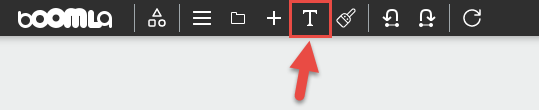
This puts the page in text editing mode, or text mode for short. All editable text elements on the page will be marked with a red outline.
You should see something like this:
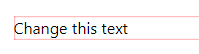
Click into this text element and edit the text.
Once you have changed it, save by closing the Text panel.